
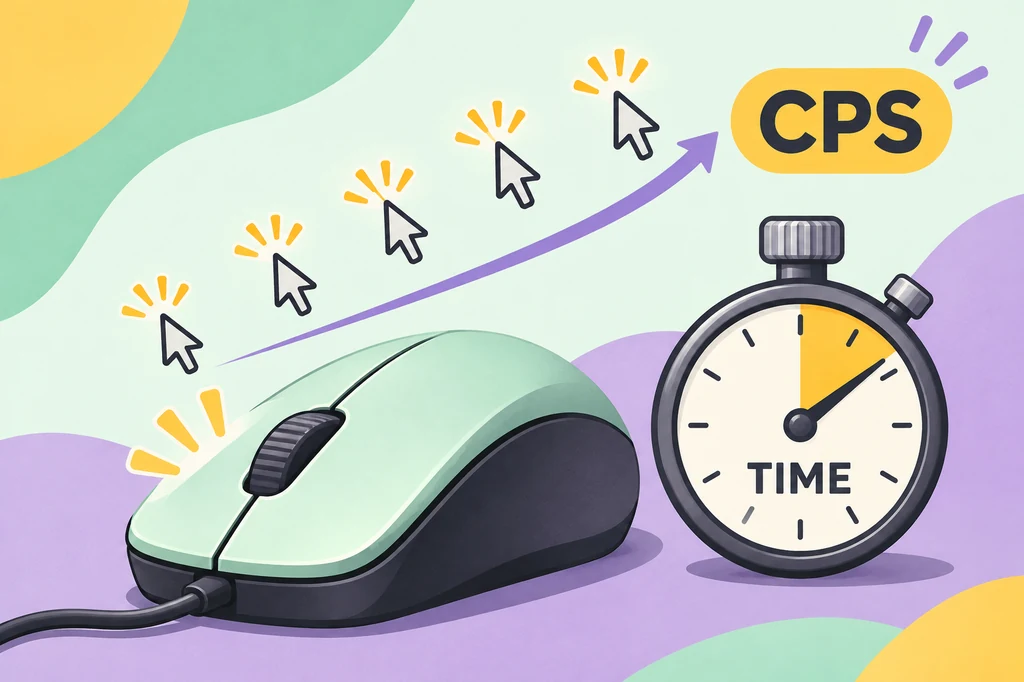
What is a CPS test?
CPS is short for clicks per second. A CPS test is a timed click speed test that asks you to press a mouse button as many times as you can before the timer ends. The page counts the input events it receives and turns that count into a rate. It is a small experiment, not a medical or hardware certification test.
People use a CPS test for different reasons. A player may want a repeatable warm-up before a game, a developer may compare browser input behavior, and a casual user may simply be curious about clicking speed. The goal changes how you should read the number: a short burst measures peak pace, while a longer run says more about consistency and fatigue.
- Only clicks inside the test area should be counted; navigation and setup clicks are not part of the run.
- The final CPS is a rate, so two tests with different durations are not identical experiments.
How to use a CPS test fairly
A reliable comparison needs more control than simply clicking as fast as possible. Sit in the same position, use the same mouse button, and keep the pointer inside the pad. If you switch from a mouse to a trackpad, or from normal clicking to a two-finger technique, label the new run instead of treating it as a direct personal-best comparison.
- Choose a durationStart with five seconds for a quick baseline. Use ten seconds when you want a steadier average, or a longer mode when endurance is the question.
- Prepare the inputUse the physical mouse and button you want to measure. Rest your wrist, keep the pad in focus, and close distractions that might steal a click.
- Click through the runClick as quickly as you can while staying in control. Do not click outside the test area, and stop when the timer ends rather than adding a late click.
- Record the contextSave the duration, total clicks, technique, and device if you need to compare results later. Repeat two or three runs before drawing a conclusion.
How is CPS calculated?
The standard calculation is simple: divide the total number of clicks by the number of seconds in the test. If you make 30 clicks in five seconds, the result is 30 ÷ 5 = 6 CPS. If the test lasts ten seconds and you make 64 clicks, the result is 6.4 CPS. A tool performs this division automatically, but knowing the formula makes unusual results easier to spot.
The timer matters because a very short run magnifies small timing differences. A single missed click changes a one-second score by a full point, while the same missed click has a smaller effect in a ten-second run. That does not make one duration universally correct; it means the duration should match the question you are asking.
| Clicks | Seconds | Calculation | CPS |
|---|---|---|---|
| 30 | 5 | 30 ÷ 5 | 6.0 |
| 64 | 10 | 64 ÷ 10 | 6.4 |
| 90 | 15 | 90 ÷ 15 | 6.0 |
| 120 | 20 | 120 ÷ 20 | 6.0 |
Which CPS timer should you choose?
Different timers answer different questions. A one-second test is a burst challenge and is sensitive to reaction timing. Five seconds is a practical baseline for repeating a run without much fatigue. Ten to fifteen seconds gives the score more time to settle, while thirty seconds or more shows whether you can keep a controlled rhythm. Choose one duration before comparing scores; mixing modes can make a normal result look better or worse than it is.
The first click can also affect a short run because it may start the timer. A test that starts on the Start button and a test that starts on the first click can produce slightly different totals. Read the tool's instructions and keep that rule consistent.
| Duration | Best for | Main caution |
|---|---|---|
| 1–2 seconds | Short burst | Reaction time has a large effect. |
| 5 seconds | Repeatable baseline | Fast techniques can still inflate the number. |
| 10–15 seconds | Pace and control | Hand tension may appear as the run continues. |
| 30–60 seconds | Endurance | Fatigue and discomfort can dominate the result. |
What is a good CPS score?
There is no single pass mark for a CPS test. Scores depend on the duration, mouse switch, browser performance, clicking method, and whether the user is relaxed or rushing. A normal single-finger result often falls in a mid-single-digit range, while practiced players may reach higher numbers for short runs. Treat broad ranges as orientation, not a universal ranking system.
The most useful score is often your repeatable score, not your highest one-off burst. If you can reproduce a number across several five-second runs without pain or loss of control, it tells you more about your current pace. Keep the raw click count with the CPS value so another person can understand how the number was produced.
| Approximate result | Useful description | How to read it |
|---|---|---|
| 1–3 CPS | Early or careful pace | Check the timer and input before judging yourself. |
| 4–7 CPS | Common controlled range | A practical baseline for normal clicking. |
| 8–12 CPS | Fast practiced pace | Confirm that the technique and device are consistent. |
| 13+ CPS | Very high burst | Retest for macros, drag registration, or a short-timer effect. |
Clicking techniques and their trade-offs
Regular clicking uses one finger with a normal press and release. It is the easiest method to compare across devices because it resembles everyday input. Jitter clicking adds a controlled tremor from the hand or forearm. It can raise a short CPS score, but tension and aim loss make it less comfortable for long sessions.
Butterfly clicking alternates two fingers on one button. Some mice register the extra contacts, while others debounce them or treat them as an unwanted double click. Drag clicking relies on friction and switch behavior to create many registrations; results vary widely by mouse and surface. Automatic clicking software is a different category entirely and may violate game rules or platform policies.
Does CPS matter for games or a mouse check?
In games that accept repeated input, a faster click rate can influence how often an action is sent, but it is only one part of performance. Timing, aim, movement, network delay, server limits, and the game's input rules can matter just as much. A CPS test is therefore a practice measurement, not a promise that a higher number will produce a better result in every game.
A CPS run can also reveal an input problem, but it answers a different question from a double click test. CPS asks how many intentional clicks fit into a time window. A double click test asks whether one instructed click creates a rapid duplicate event. Use the page that matches the symptom, and link a warning to the relevant device check rather than treating every click metric as interchangeable.
- Compare the same mouse and button when checking whether a device changes your score.
- If a single click opens two items, use the site's double click test instead of chasing a higher CPS.
How to practice without chasing a misleading number
Start with short, comfortable sessions and a fixed baseline. Two or three five-second runs are enough to see whether the number is stable. If the score falls sharply in a longer test, that may describe fatigue rather than a lack of skill. Take breaks, relax your grip, and change the goal from maximum speed to a controlled rhythm when you are training for a game.
For a useful personal log, record the date, duration, technique, mouse model, button, total clicks, and CPS. Comparing those fields helps explain why a score changed after a new mouse, browser update, or practice routine. It also prevents a single unusually high burst from becoming a false promise about everyday performance.
CPS test limitations and privacy notes
A browser CPS test measures the events that reach its page. It cannot inspect the electrical contacts inside a mouse, guarantee that every click was deliberate, or reproduce the exact input pipeline of a particular game. Background tabs, browser throttling, pointer hardware, accessibility settings, and an overloaded device can all affect a session. Repeat the test when a result seems surprising.
The click calculation can run locally in a browser without uploading a file or creating an account. That does not mean the entire website has no third-party services: hosting, analytics, advertising, and security tools are separate site-wide concerns. Read the Privacy Policy for those details, and do not enter personal information into a simple speed test.
CPS test FAQ
What does CPS stand for?
CPS stands for clicks per second. It is the total number of clicks divided by the number of seconds in the timed run.
How do I test my CPS?
Choose a duration, click inside the test area until the timer ends, and read the count and CPS result. Repeat the same duration for a fair comparison.
Is 10 CPS good?
Ten CPS is a fast result for many normal clicking sessions, but the meaning depends on the timer, technique, mouse, and repeatability. It is not a universal pass mark.
Which timer is best for a CPS test?
Five seconds is a practical baseline for most comparisons. Use ten seconds or longer when you want to study pace and consistency instead of a short burst.
Does CPS prove that a mouse is healthy?
No. CPS measures intentional click rate. A mouse that turns one click into two needs a double click diagnostic, because that is a different event pattern.
Why did my score change between runs?
Timing, warm-up, fatigue, technique, browser load, and the first-click rule can all change a result. Keep the duration and setup the same, then use several runs instead of one peak score.